Tour.video + LeaseMagnets

The video leasing playbook for your first tour, LeaseMagnet, ads, and AI agent.

Hi, I am Amulya, cofounder of tour.video and leasemagnets.com. We started in the dorm with one mission: make leasing easier to access, easier to understand, and easier to act on. This guide shows the exact system: record the tour, turn it into a LeaseMagnet, launch video ads, track performance, and add an AI leasing agent.

1.5M+

tours generated

$120M+

in leasing influenced

24/7

partner support

Here is the playbook

How to build the first useful leasing system before you scale the whole portfolio.

The goal is simple: make one property easier to understand, easier to tour, easier to advertise, and easier to follow up with. Follow the steps below like an operating checklist. Once one property works, the pattern repeats.

Choose your filming path

Film it pro or film it yourself. Both can become a tour.

The decision is not polished versus scrappy. The decision is which path gets a useful renter-facing walkthrough online fastest, with enough scenes to power the tour, the LeaseMagnet, and the ads.

Production path

Go Pro

Use this when the property needs polished footage, stronger lighting, talent direction, and launch-ready creative for a high-stakes tour.

Best for lease-ups, hero tours, portfolio proof, and paid media.
You get a cleaner renter-facing walkthrough with stronger framing, pacing, and scene coverage.

Self-setup path

Go Self Tour

Use this when the team has property access and needs speed. Capture useful clips with a phone, a simple shot list, and steady scene coverage.

Best for fast starts, smaller properties, refreshes, and teams testing the workflow.
Send the footage into tour.new so it can become a guided tour, LeaseMagnet, and ad source asset.

Why this system works

Static leasing pages create cold traffic. Guided tours create warmer intent.

The difference is context. A renter who has watched the right tour, seen the right proof, and received the right follow-up is not starting from zero.

The old way creates cold traffic

A renter sees an ad, lands on a generic website, clicks through static photos, and still has to ask basic questions. That is why so much leasing traffic leaks before it becomes a tour.

The tour creates warm intent

A guided tour answers questions before the prospect talks to the team. When they click, text, call, or schedule after watching, they already understand the property and have a reason to move.

The same asset powers the system

One strong tour becomes the LeaseMagnet, the ad creative, the voice-agent knowledge base, the retargeting hook, and the proof you use to get approval for the next property.

Step 1

Record your first tour

tour.video

Start with a simple walkthrough that answers the renter's real questions: where am I, what does the space feel like, what makes it worth touring, and what should I do next?

Capture arrival, exterior, lobby, amenities, model unit, bedrooms, bathrooms, storage, and closing CTA.
Keep each scene steady for a few seconds so it can be edited, captioned, and repurposed.
Record a natural voiceover or talking-head intro explaining who the property is for.

Recording script

Start here: "Hi, I am at [Property Name]. If you are looking for [student housing / downtown living / more space], I am going to show you the fastest way to understand the property before you visit in person."

Expected result

You should leave with one complete walkthrough and enough short clips to create ads, reels, and a LeaseMagnet.

Step 2

Build the tour in tour.new

tour.new

Use tour.new to turn the footage into a guided leasing experience. It can be fully produced or semi-pro depending on how much media you already have.

Upload the best clips and organize them by scene: intro, amenities, floor plans, location, and closing.
Add clear renter-facing labels so prospects can jump to what they care about.
Publish a shareable tour link and make it the source asset for the rest of the system.

Tour outline

Intro -> Location -> Amenities -> Model unit -> Floor plan differences -> What to do next. Keep every section useful enough that a renter can make a decision without calling first.

Expected result

You now have one canonical tour link that can be sent by humans, agents, ads, QR codes, and follow-up flows.

Step 3

Use tour.report for pricing and market context

tour.report

Before spending on ads, understand where the property sits against competitors and what traffic signals matter.

Compare nearby properties, pricing pressure, and positioning.
Identify which amenities, floor plans, and value props should be featured first.
Use the report to decide what to test in creative, not just what to say on the website.

Market read prompt

Look at [Property Name] against the nearest competitors. Tell me which unit types, amenities, and location angles should lead the tour and which ad hooks are most likely to create qualified intent.

Expected result

You know what to emphasize before you spend money promoting the tour.

Step 4

Launch video ads from the tour

leasemagnets.ai

Turn the tour into short-form creative for YouTube, retargeting, and TikTok. The goal is not a perfect brand film; it is a useful video that makes the next click obvious.

Cut the tour into 6-15 second hooks for amenities, floor plans, location, and urgency.
Retarget visitors who watched or clicked but did not schedule.
Use leasemagnets.ai to create new variants and track which angles lower CPV.

Ad prompt

Create five short video ad concepts from this tour. Each concept needs one hook, one scene recommendation, one caption, and one CTA. Prioritize qualified tour intent over generic reach.

Expected result

You have a small creative test ready for YouTube, TikTok, and retargeting instead of one expensive ad bet.

Step 5

Track serverless advertising

leasemagnets.report

Use lightweight campaign tracking to see whether the market is responding, without turning the property website into a complicated engineering project.

Track traffic, source, engagement, and campaign movement from the LeaseMagnet layer.
Watch which creative sends qualified clicks instead of just cheap views.
Use the findings to update tour sections, ads, and follow-up scripts.

Weekly report question

Which traffic source created the most qualified tour engagement this week, which creative produced the cheapest useful view, and what should we change in the next test?

Expected result

Your team can decide what to keep, stop, or record next without waiting on a complicated analytics project.

Step 6

Build your first voice AI leasing agent

voice AI agent

Once the tour exists, the agent has something useful to reference. It can answer common questions, send links, qualify intent, and route people to schedule.

Load the property facts: pricing boundaries, availability rules, amenities, pet policy, parking, and tour links.
Give the agent approved media links so it can send the right tour or LeaseMagnet.
Keep it focused on the next leasing action: answer, send, schedule, or hand off.

Voice agent instruction

You are the leasing assistant for [Property Name]. Answer only from approved property facts. If the prospect asks to see the property, send the tour link. If they sound ready, help them schedule. If pricing or availability is uncertain, say you do not want to guess and offer the best next step.

Expected result

The agent stops being a generic bot and becomes a guided leasing assistant connected to the tour system.

Copy-and-use scripts

Most teams lose momentum after the tour. Use short, context-rich follow-up instead.

This is the leasing version of the Notion page's DM templates: no long pitch, no generic sales language, just the next helpful action.

First follow-up after someone watches

Hey [Name], saw you checked out the [floor plan / amenity] tour. Want me to send the fastest link to compare availability or schedule a walkthrough?

Retargeting caption

Still comparing apartments near [Location]? Watch the full walkthrough for [Property Name] before you book an in-person tour.

Leasing team handoff

This prospect watched [Tour Section], clicked [CTA], and asked about [Question]. Start with that context instead of a generic intro.

Next 48 hours

Do the smallest version that creates real leasing proof.

Today

Choose one property and one floor plan

Pick the asset with the most leasing pressure or the clearest story. Do not start with the whole portfolio.

Day 1

Record and assemble the first guided tour

Capture the walkthrough, build the tour, add the CTA, and publish the first shareable link.

Day 2

Create the first LeaseMagnet

Use the tour, CTA, proof, and renter questions to create the first conversion surface.

Day 3

Launch retargeting and short-form tests

Run a small set of ad variants from the tour. Track attention, CPV, and which message creates the strongest next step.

Day 4+

Add the voice agent and proof loop

Use the tour and report data to train better follow-up, collect proof, and decide what to record next.

Tool stack

The links your team needs while following the guide.

Each product maps to a practical part of the workflow: building the tour, learning from examples, choosing an actor, reporting on market movement, and creating ads or AI media.

Journey images

The company story should feel as real as the product.

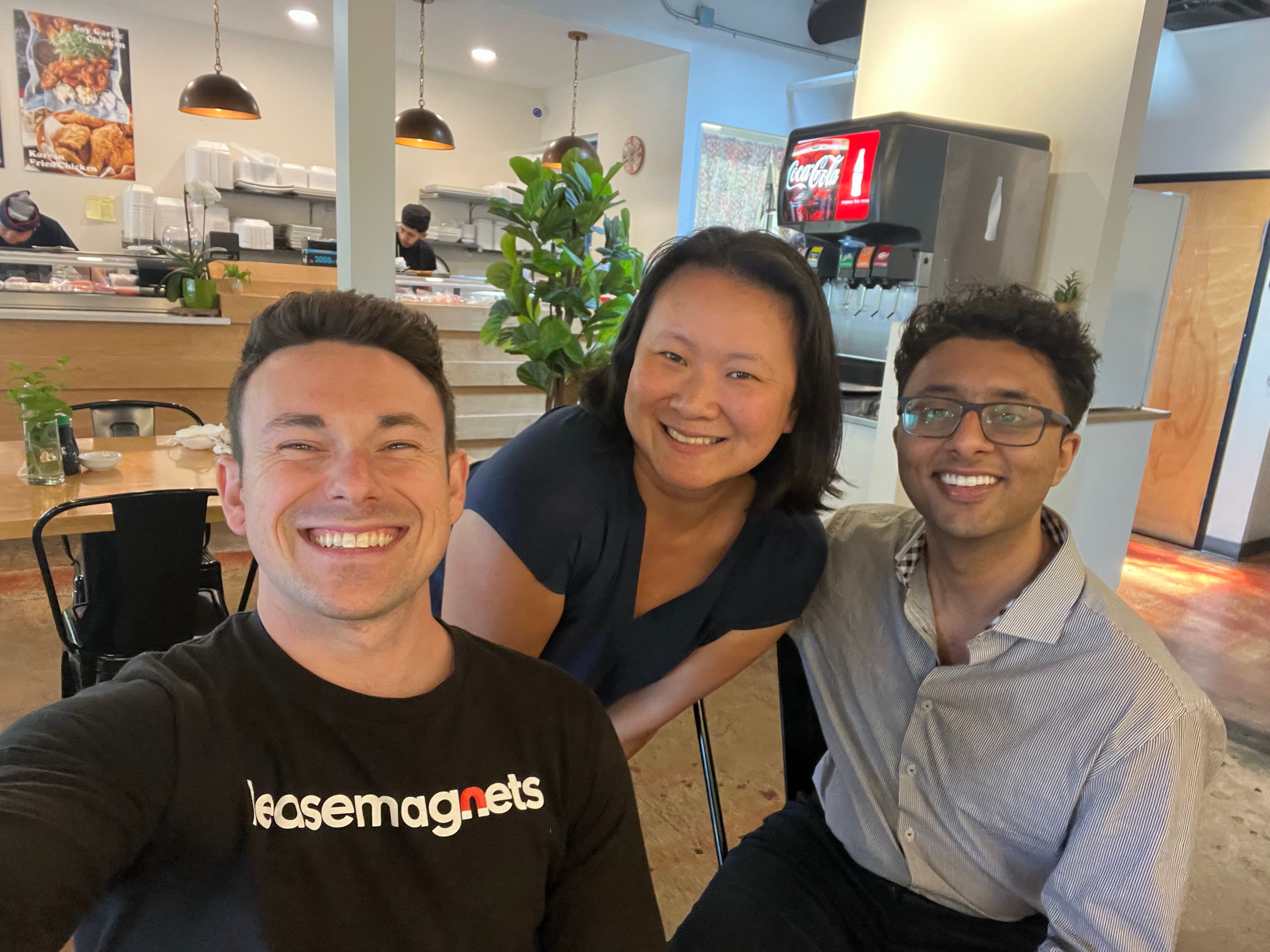
These moments connect the dorm-room start, the first property visits, and the industry rooms where the leasing playbook kept getting sharper.

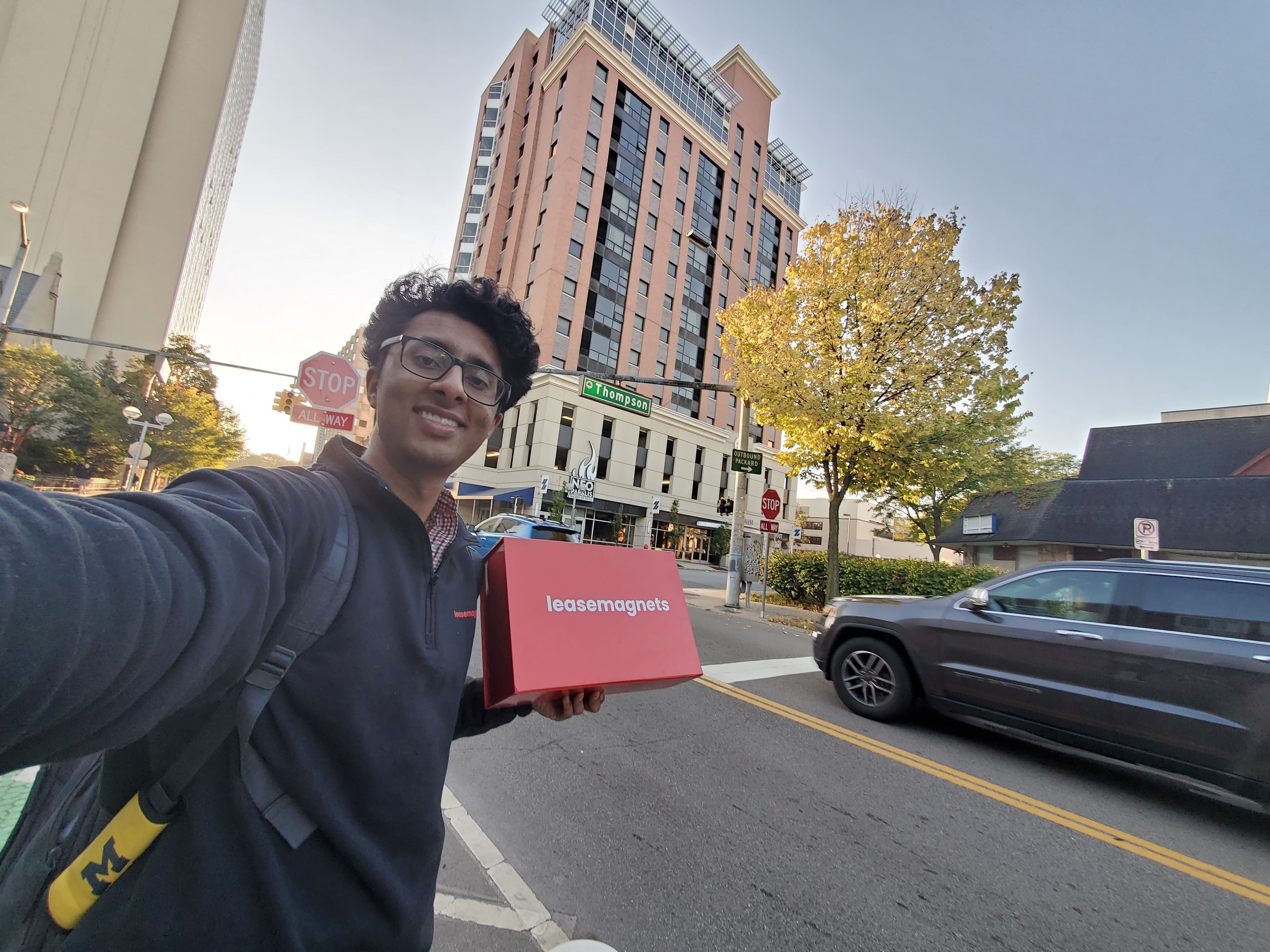
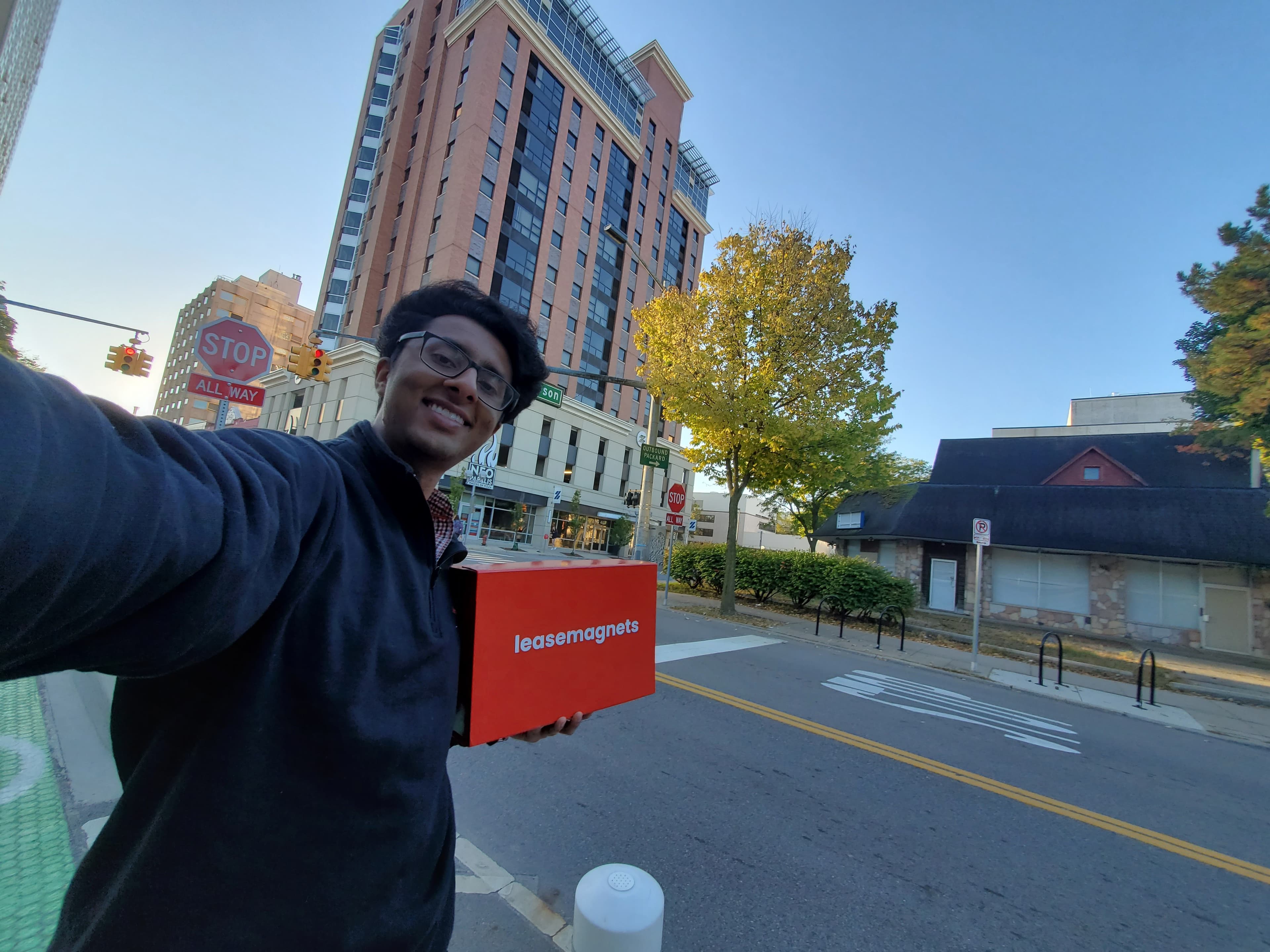
Amulya holding a red LeaseMagnets box outside a student housing property.

The box on the road

A physical reminder of the early tours, property visits, and dorm-room operating energy.

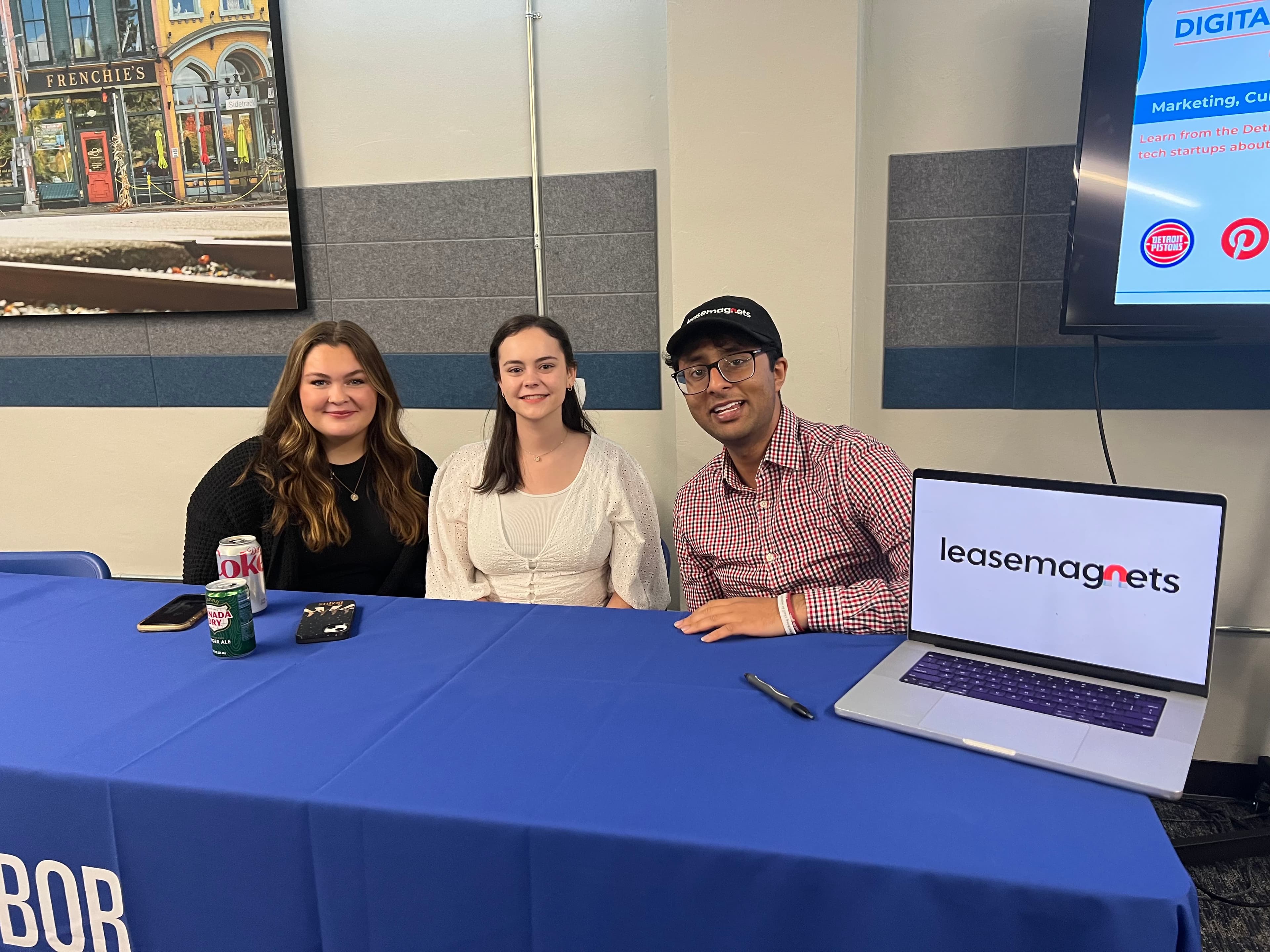
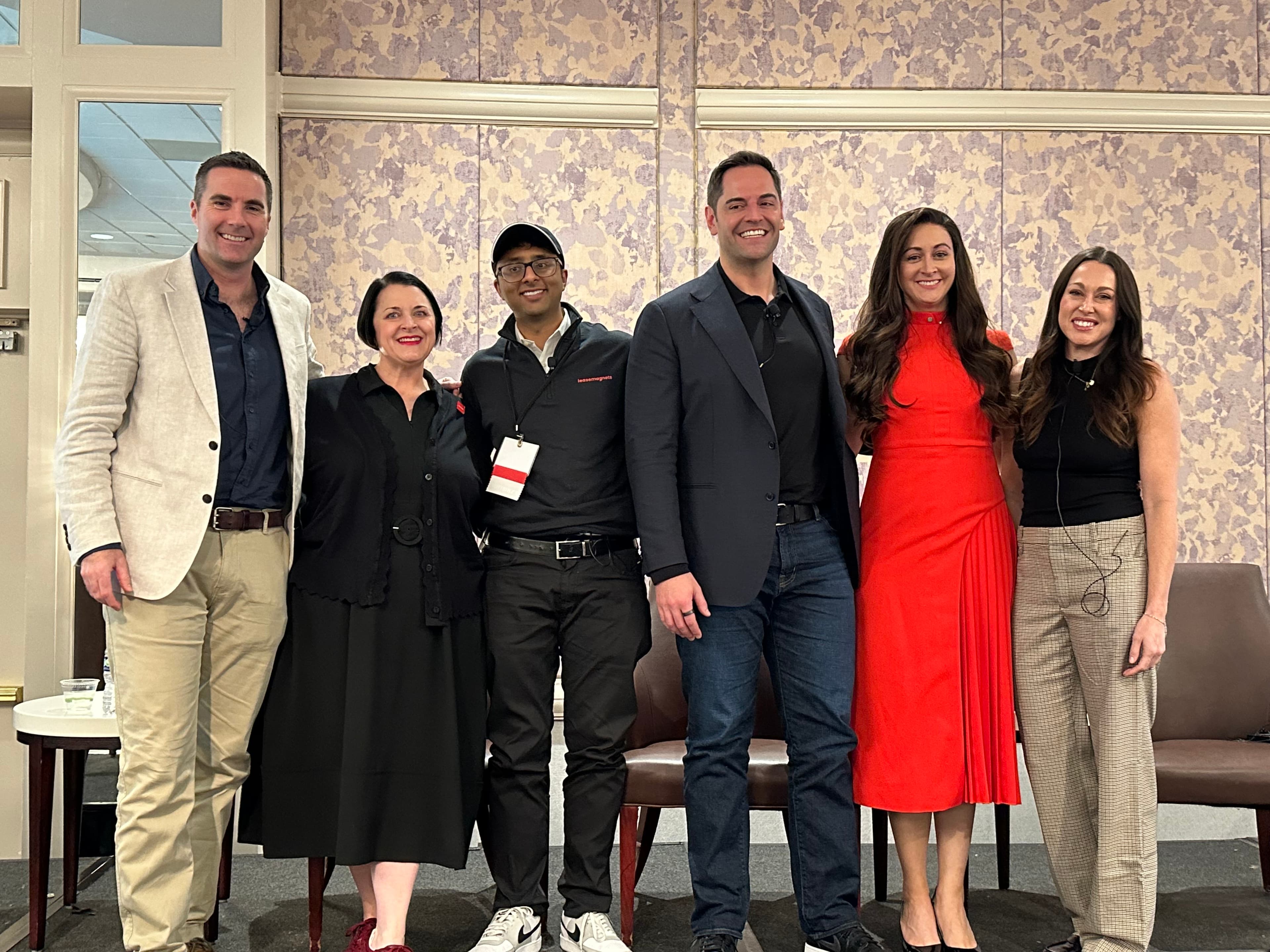
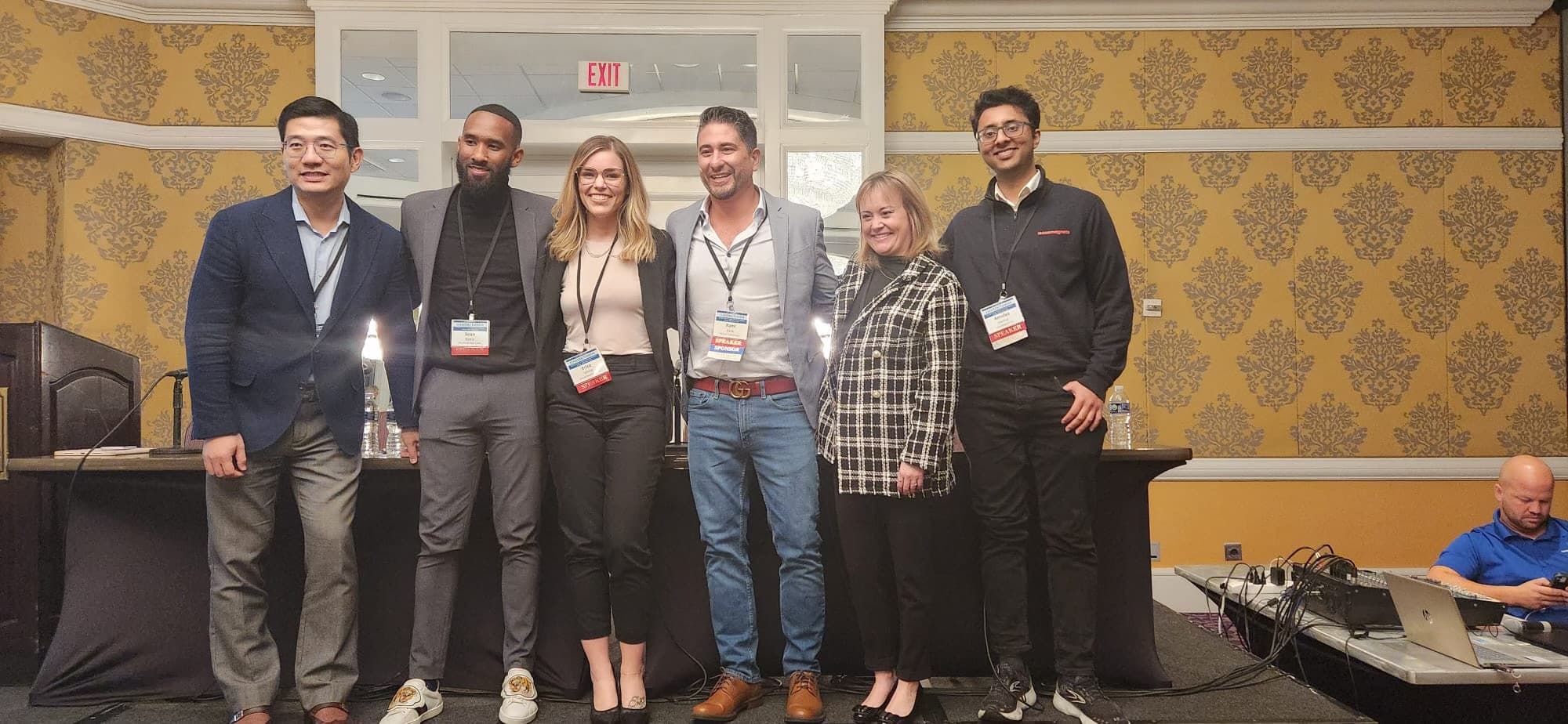
A group photo from a LeaseMagnets industry event.

Industry rooms

Showing up where leasing leaders, operators, and creators compare what is working.

Amulya taking a selfie with a LeaseMagnets box near a residential tower.

Campus to market

Turning the first field moments into a repeatable system for properties.

A journey photo from the early LeaseMagnets company archive.

Early archive

The practical, on-the-ground work behind the product story.

A journey photo from the LeaseMagnets team archive.

Team proof

Moments from building the company while staying close to operators and renters.

A journey photo from the early LeaseMagnets property visit archive.

Property visits

The work started by learning the leasing journey in the real world.

Testimonial videos

Let partners hear the operator stories directly.

These clips bring the proof closer to the workflow: launch tours, help onsite teams, reduce friction for remote renters, and turn video into a leasing asset.

Wish I had done this sooner

The Essential

I would hire them at any of my projects. When I look at all the work that was done, I am thrilled.

$5M+ reported return on investment

PeakMade Real Estate

Our return on investment was over $5 million. It has been a phenomenal tool for the onsite teams to use.

Proactive, professional lease-up support

Quad Real Estate

The team has been proactive in creating a professional video product that will make the difference in converting leads.

Virtual tours, real leasing confidence

Campus Life & Style

The feedback from the properties where virtual tours have gone live has been amazing.

Low-lift resident coordination

Caliber Living

The ease with which it has been to work with them has been phenomenal.

Guided tours for remote students

GMH Communities

LeaseMagnets helps provide that experience even when students are thousands of miles away.

Wall of love

Keep the screenshots, wins, and customer proof visible.

The wall gives every new partner a fast read on what has already worked: video applications, leasing systems, ad proof, tour traction, and the early experiments that shaped the product.

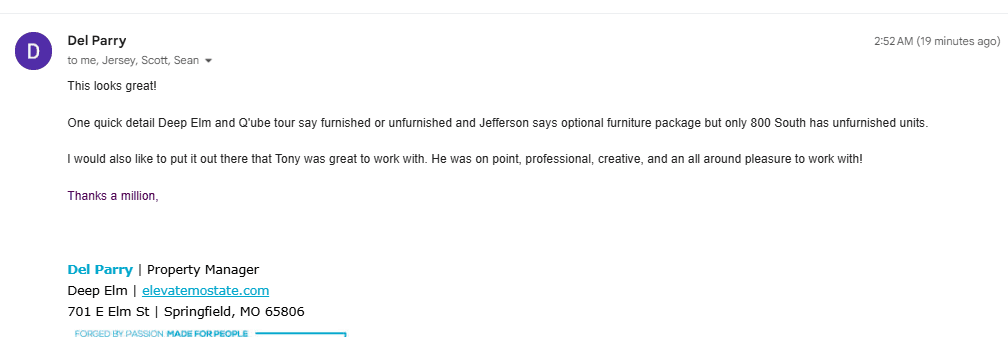
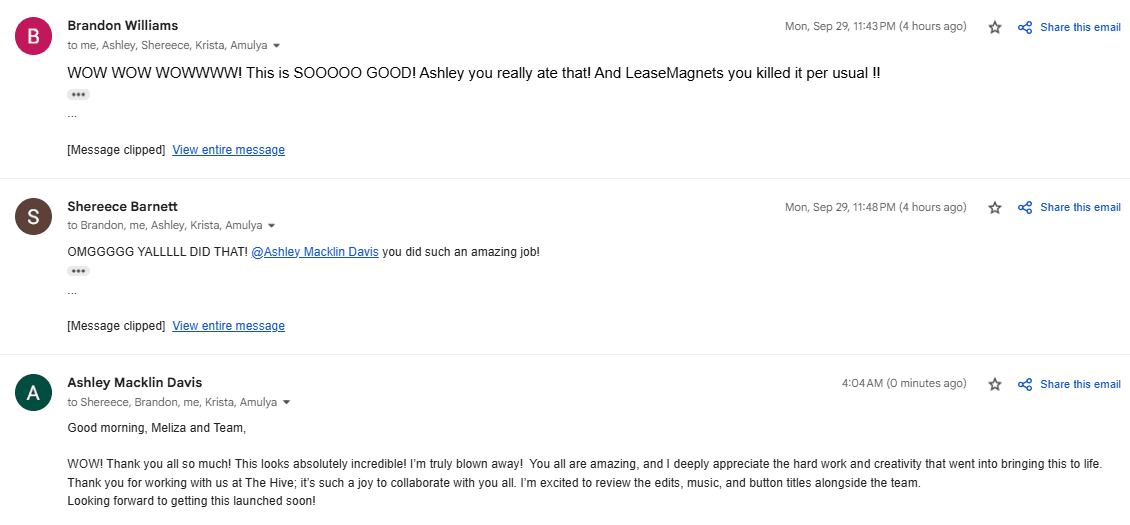
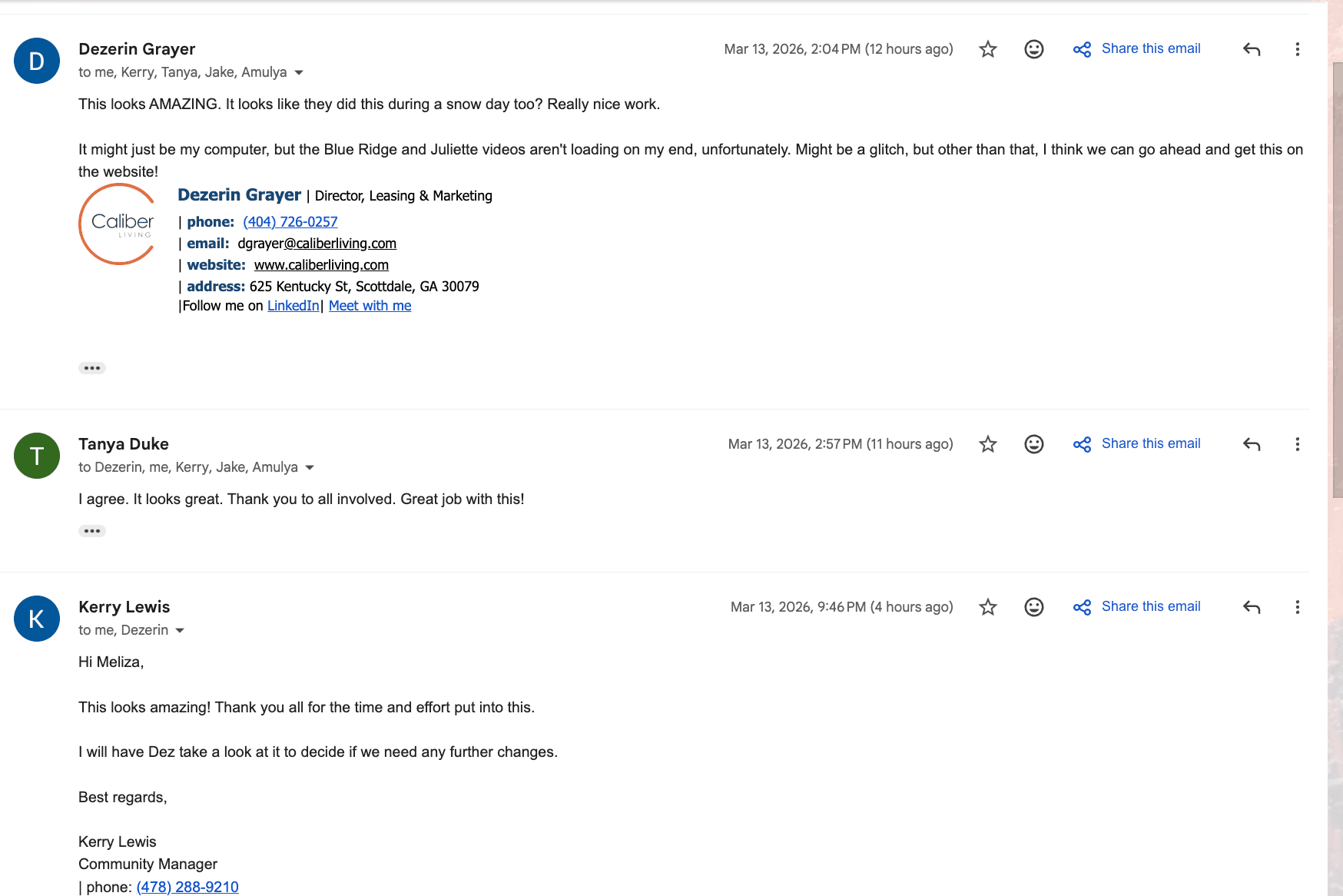
A saved LeaseMagnets testimonial screenshot.

Wall of love 01

A captured win from the LeaseMagnets proof archive.

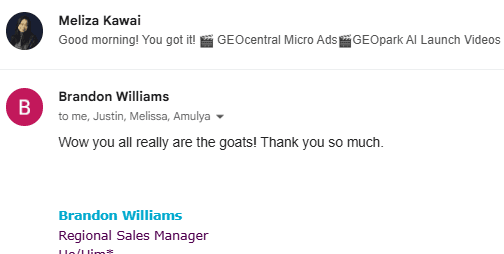
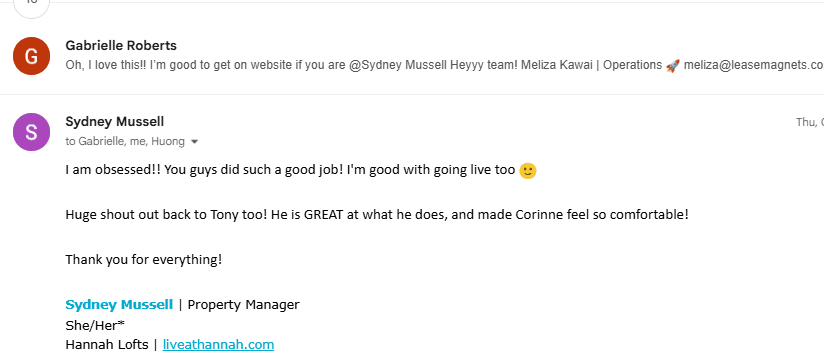
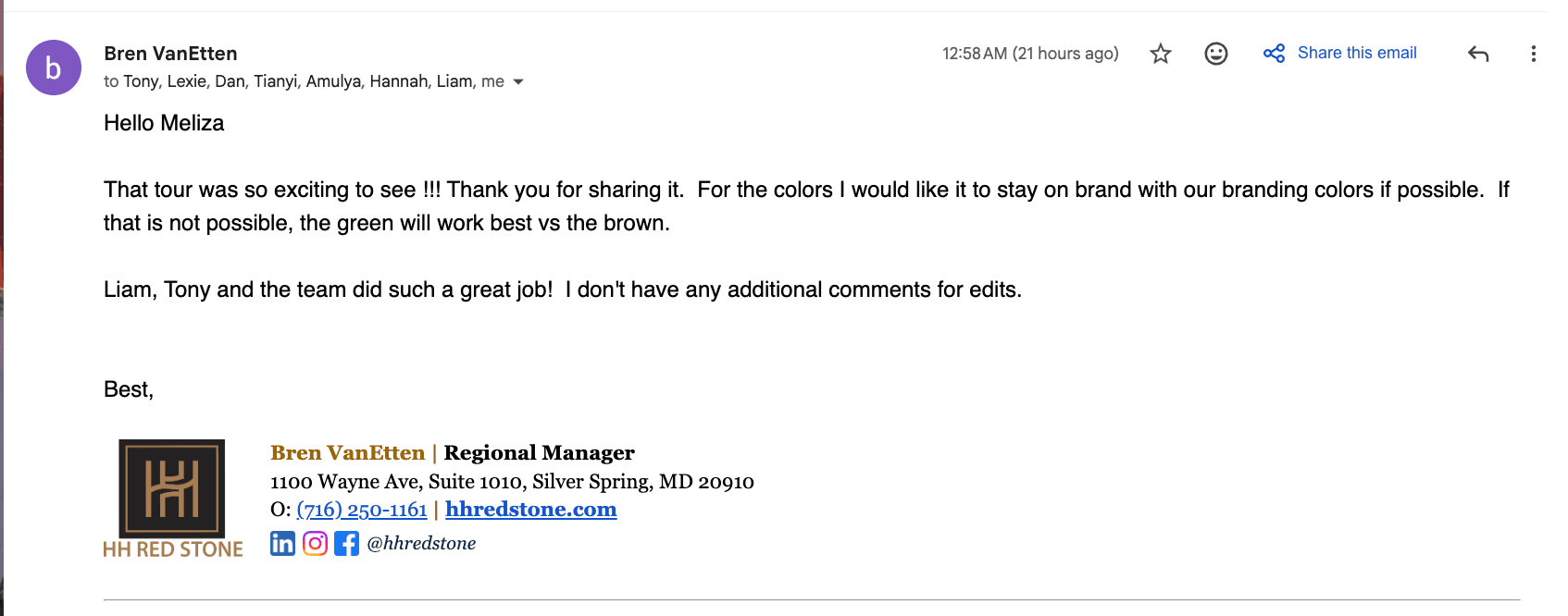
A saved LeaseMagnets testimonial screenshot.

Wall of love 02

A compact snapshot from the customer proof library.

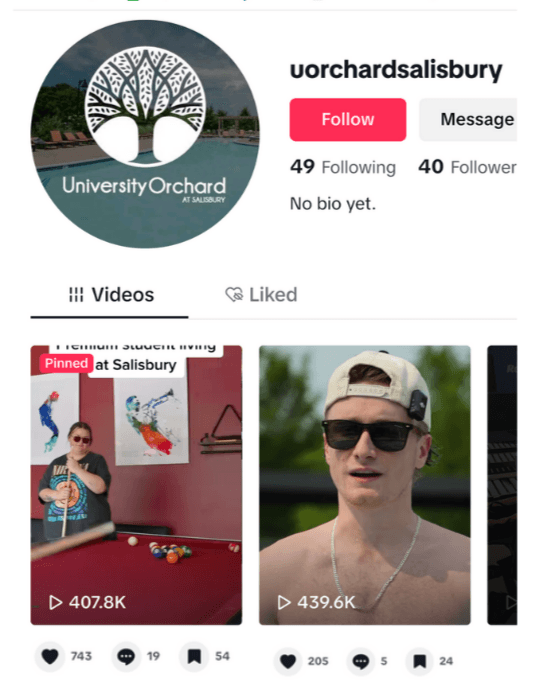
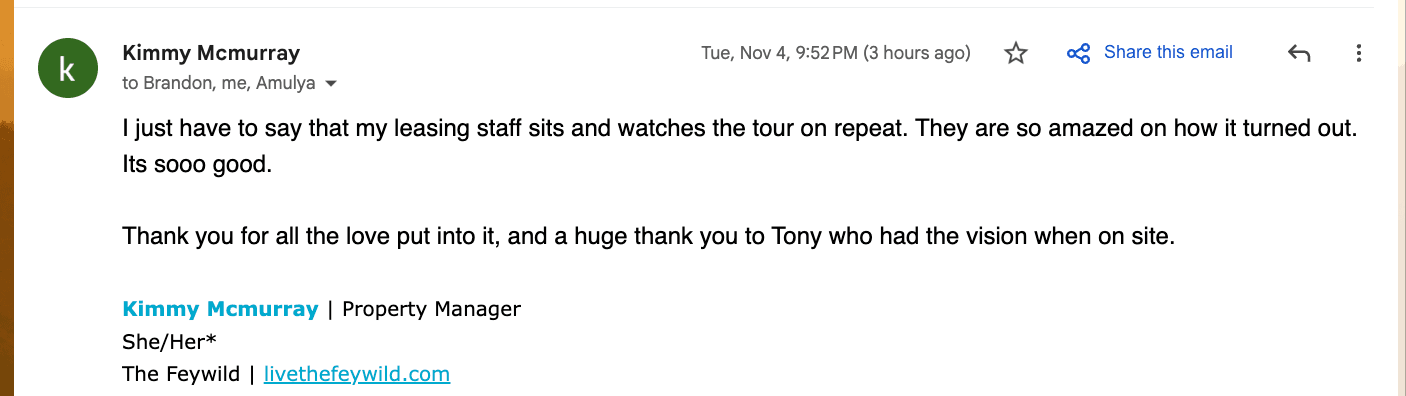
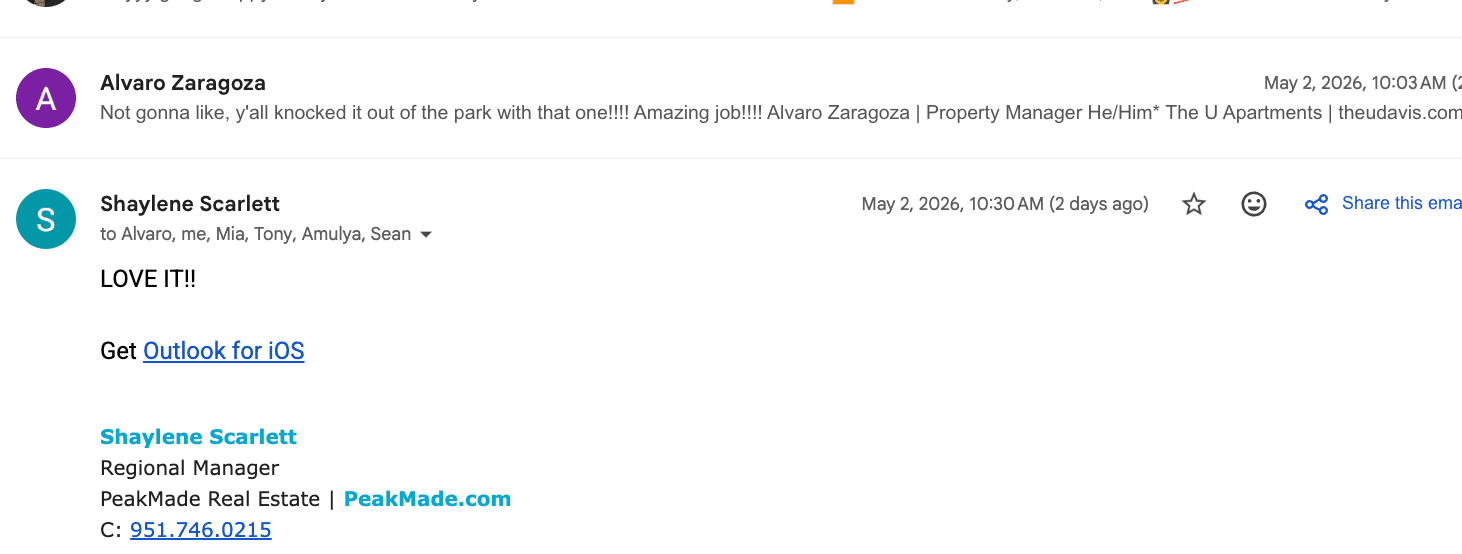
A saved LeaseMagnets testimonial screenshot.

Wall of love 03

A vertical proof card from the Tandem attachment archive.

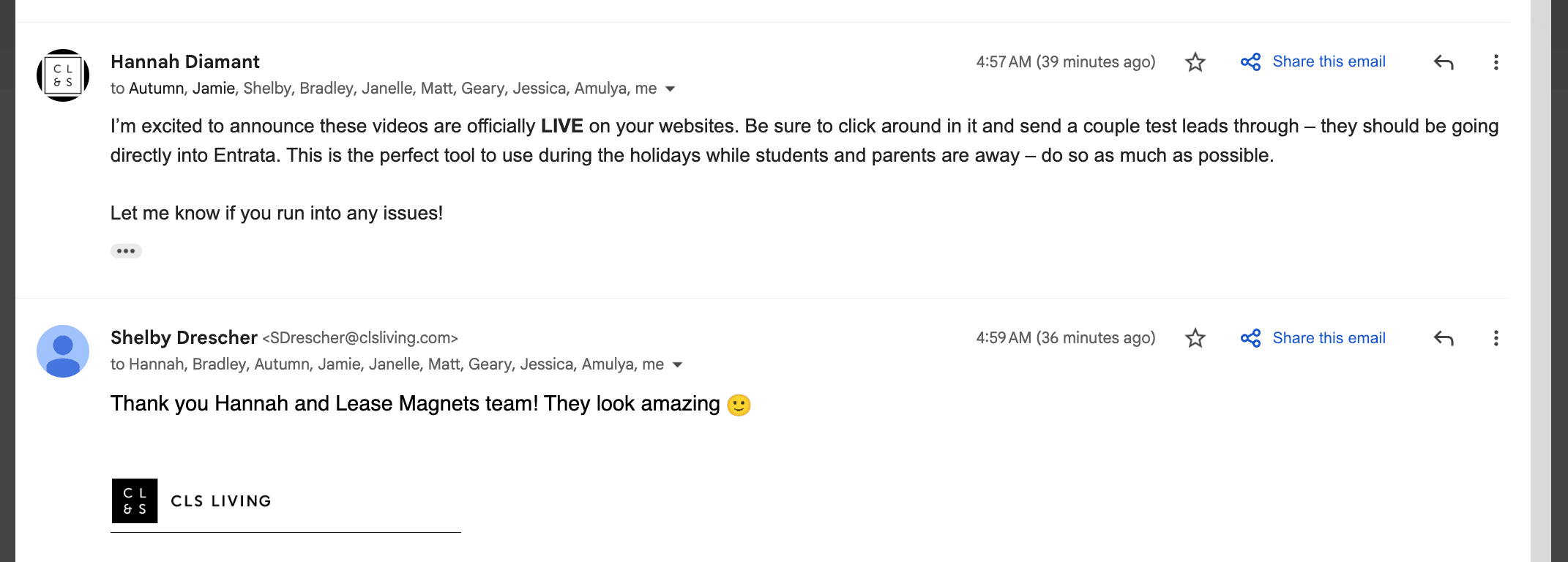
A saved LeaseMagnets testimonial screenshot.

Wall of love 04

A wider proof screenshot for the wall.

A saved LeaseMagnets testimonial screenshot.

Wall of love 05

A saved customer signal from the wall of love set.

A saved LeaseMagnets testimonial screenshot.

Wall of love 06

A horizontal proof capture from Dia's stored attachment links.

A saved LeaseMagnets testimonial screenshot.

Wall of love 07

A large proof capture for the testimonial wall.

A saved LeaseMagnets testimonial screenshot.

Wall of love 08

A fuller proof screenshot from the downloaded GCS attachments.

A saved LeaseMagnets testimonial screenshot.

Wall of love 09

A saved proof moment from the customer archive.

A saved LeaseMagnets testimonial screenshot.

Wall of love 10

The final downloaded Tandem attachment in this wall.

Testimonial section

Proof belongs beside the workflow, not buried in a folder.

The testimonial area keeps partner stories close to the lessons: record the tour, create the LeaseMagnet, launch ads, track the traffic, and let agents help the renter take the next step.

Featured proof

Wall of love 01

A captured win from the LeaseMagnets proof archive.